
Use Dawn for the current Feather Client Linux download
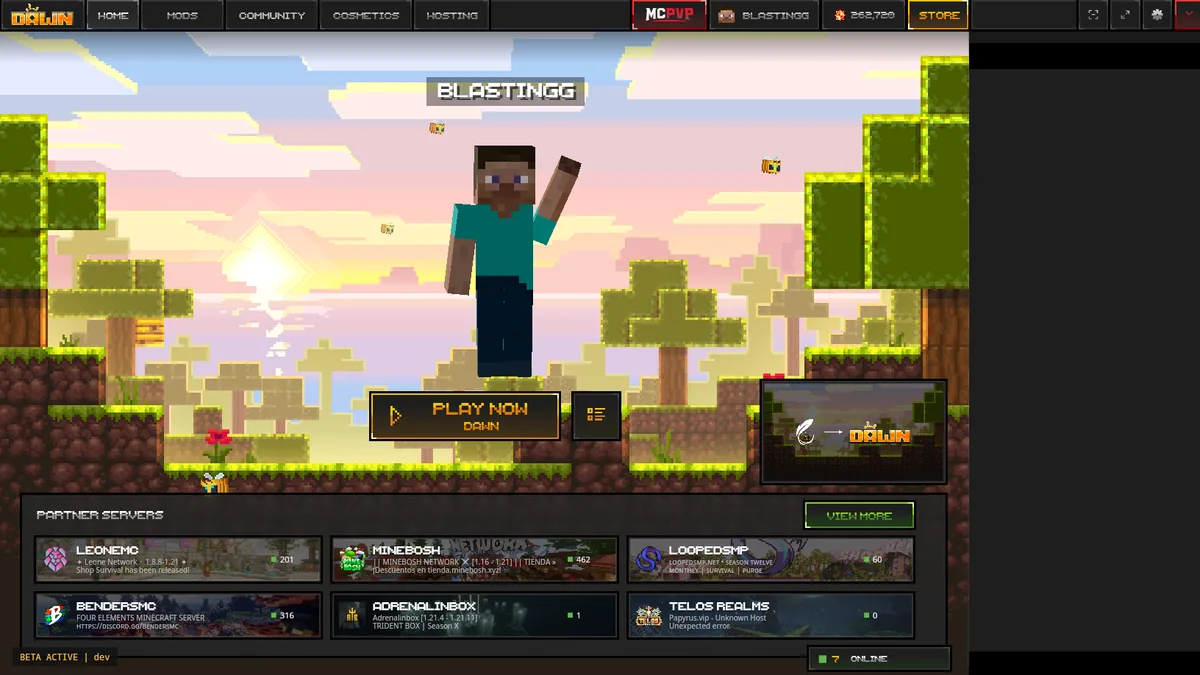
Open Dawn's official download section and choose Linux. The page lists Flatpak and Tarball and displayed version 0.2.0.338 when checked August 1, 2026.
Flatpak is normally easier to manage. Tarball is portable but requires manual extraction, executable permissions, and updates.
Flatpak or Tarball: which should you choose?
Dawn now lists Linux alongside Windows and macOS. Choose Flatpak or Tarball, then test a clean Minecraft profile before adding mods.
| Downloads | Best fit | Watch for |
|---|---|---|
| Flatpak | Install the Flatpak build | Flatpak support required |
| Tarball | Install the Tarball build | Manual permissions and updates |
Before downloading
Update your distribution and graphics driver, and keep several gigabytes free for Java runtimes, profiles, modpacks, worlds, logs, and screenshots.
Do not trust a third-party AppImage, DEB, RPM, or install script unless Dawn publishes that exact format.
- Verify dawn.gg before downloading.
- Choose Flatpak or Tarball, not the standalone Fabric JAR.
- Keep system security enabled.
- Back up existing Minecraft worlds.
Install the Flatpak build
Choose Flatpak on Dawn when your distribution supports it. Review the application identity and sandbox permissions before installing.
Launch Dawn once, sign in with the Microsoft account that owns Minecraft, and test an unmodified profile before adding mods.
Install the Tarball build
Extract the complete Tarball into a stable folder in your home directory instead of running it from a browser preview or temporary cache.
If it does not start, check the executable permission and capture the exact terminal error. Do not paste unknown sudo commands from comments.
Create a stable Minecraft profile
Use Dawn's default runtime for the first launch and choose a Minecraft version offered by the launcher.
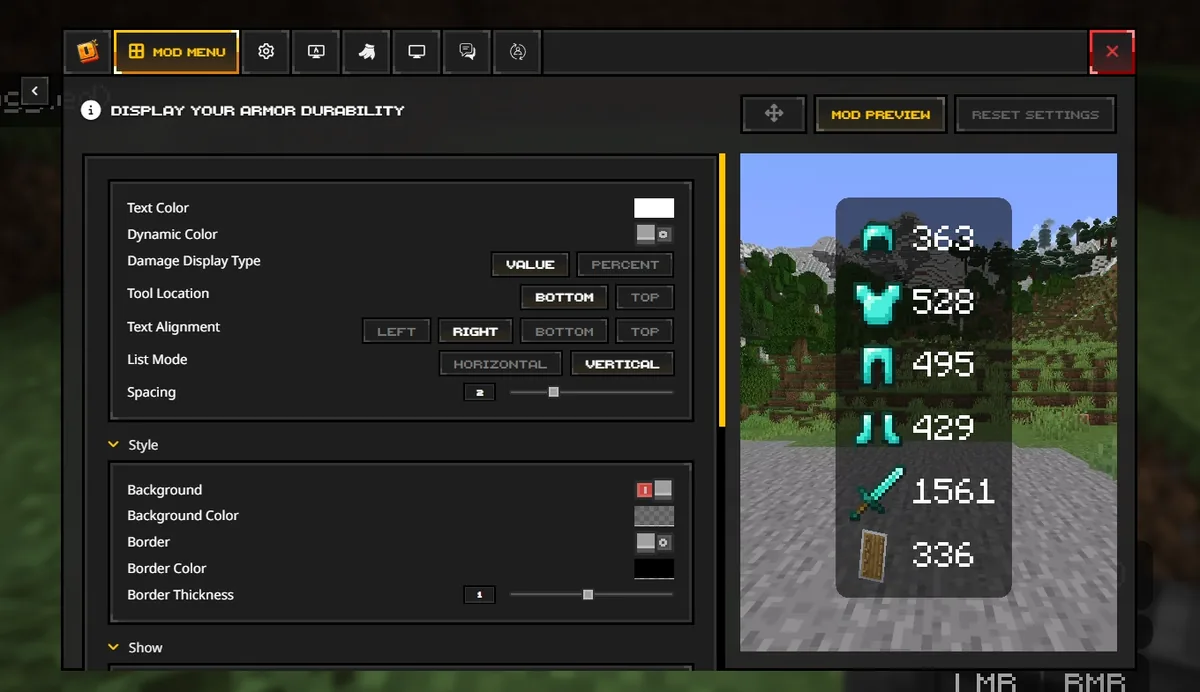
Add Fabric mods in small groups and match Minecraft, Loader, API, and mod versions exactly. Linux file names are case-sensitive.
Fix common Linux launch problems
Separate a Dawn launcher failure from a Minecraft profile failure. If Dawn opens, inspect the profile log, runtime, memory, mods, and graphics driver.
Wayland, X11, hybrid graphics, and Flatpak permissions vary by distribution. Change one variable at a time.
Feather Client Linux FAQ
Dawn now lists Linux alongside Windows and macOS. Choose Flatpak or Tarball, then test a clean Minecraft profile before adding mods.
Is Feather Client available on Linux?
Yes. Dawn, the current successor linked by Feather, lists Linux Flatpak and Tarball downloads.
Should I use Flatpak or Tarball?
Use Flatpak for managed installation when supported; use Tarball when manual extraction and updates are acceptable.
Is there an official DEB, RPM, or AppImage?
The official page checked August 1, 2026 visibly listed Flatpak and Tarball. Verify again before trusting another format.
Why does Dawn open but Minecraft crash?
Check the profile runtime, memory, game version, Fabric components, mods, and graphics driver.
Can I use Fabric mods on Linux?
Yes, when Minecraft, Loader, API, and mod versions match. The standalone JAR is separate from Dawn.