
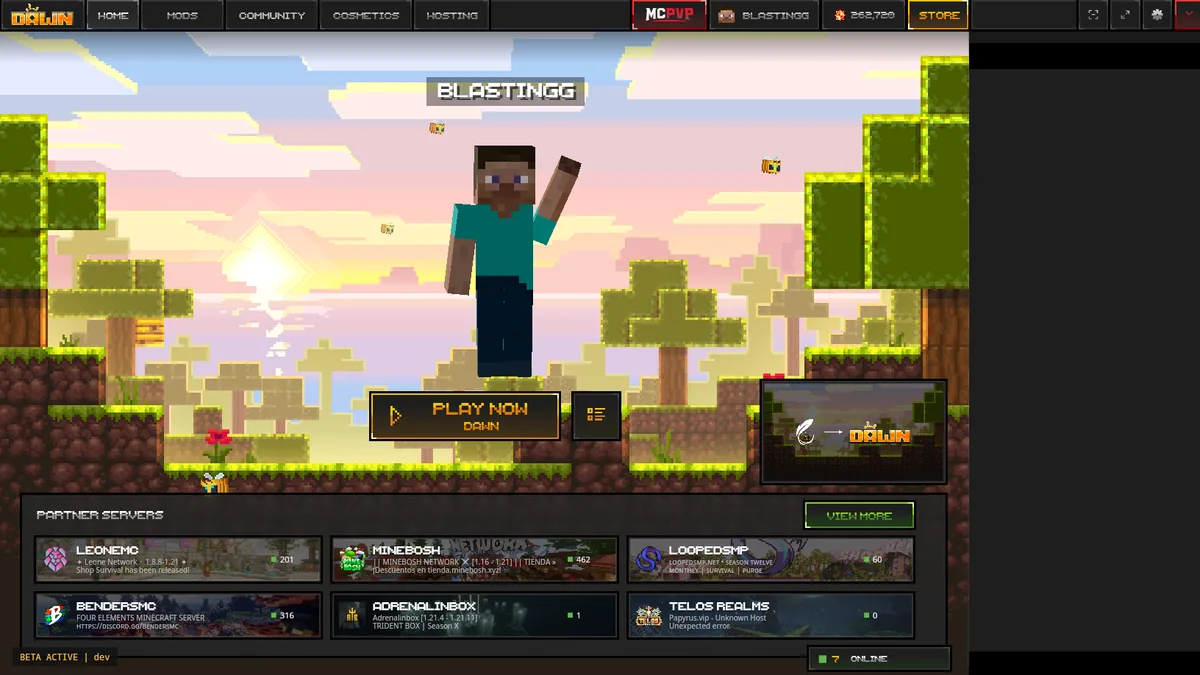
How to download Feather Client on Mac safely
Open Apple menu > About This Mac. If the chip is listed as Apple M-series, use the macOS Apple Silicon option in Dawn's official download area. Feather's first-party website directs Mac users to that Dawn page after the acquisition by InPvP.
If About This Mac lists an Intel processor, do not download the Apple Silicon build and assume Rosetta will solve every issue. The official page checked for this guide did not visibly list an Intel-specific choice. Look for updated first-party guidance before proceeding.
Apple Silicon and Intel are not interchangeable
Architecture determines which application build can run natively.
| Mac type | What this guide verifies | Next action |
|---|---|---|
| Apple Silicon (M-series) | Dawn visibly lists a macOS Apple Silicon download | Use the official macOS option |
| Intel Mac | No Intel-specific choice was visible during the check | Do not guess; check current Dawn support |
| Windows PC | Uses a different installer | Use the Windows guide |
Find your Mac chip and prepare storage
Choose About This Mac from the Apple menu and read the Chip or Processor field. Apple M1, M2, M3, M4, and later M-series labels indicate Apple Silicon. Record your macOS version as well because an application may require a newer system release even when the CPU architecture matches.
Minecraft profiles, Java runtimes, logs, mods, resource packs, and screenshots need more space than the launcher download. Keep several gigabytes free and back up important worlds before importing profiles or changing game versions.
- Confirm an M-series chip for the currently listed Apple Silicon build.
- Install current macOS updates that your Mac supports.
- Use the full launcher, not the standalone Fabric JAR, for the normal setup.
Download and open the app on macOS
Use the button above, wait for the source check, and choose macOS on dawn.gg. Move or install the application as instructed by the downloaded package. Do not run a shell command copied from an unknown video description to bypass Gatekeeper.
macOS may show a security message because an application was downloaded from the internet. Read the app name and source context. If the system blocks an app you intentionally obtained from the verified page, use the normal Privacy & Security controls to review it rather than disabling Gatekeeper for the entire system.
Open the official platform selector
Confirm dawn.gg in the address bar.
Choose macOS Apple Silicon
Only after confirming your M-series chip.
Install through the normal macOS flow
Keep system protection enabled and review prompts.
Sign in and test one profile
Use the legitimate Microsoft flow and launch before adding mods.
Fix macOS first-launch and permission issues
If the app opens but Minecraft fails, return custom Java arguments and memory settings to their defaults. Confirm that the selected Minecraft version is offered by the current launcher and that the game can create its profile folders. On managed Macs, application restrictions may require administrator approval.
If the app is quarantined or cannot be opened, recheck the download source before changing any setting. Re-download from Dawn if the file came from elsewhere. Do not use third-party resigning tools or modified packages that claim to make Feather work on every Mac.
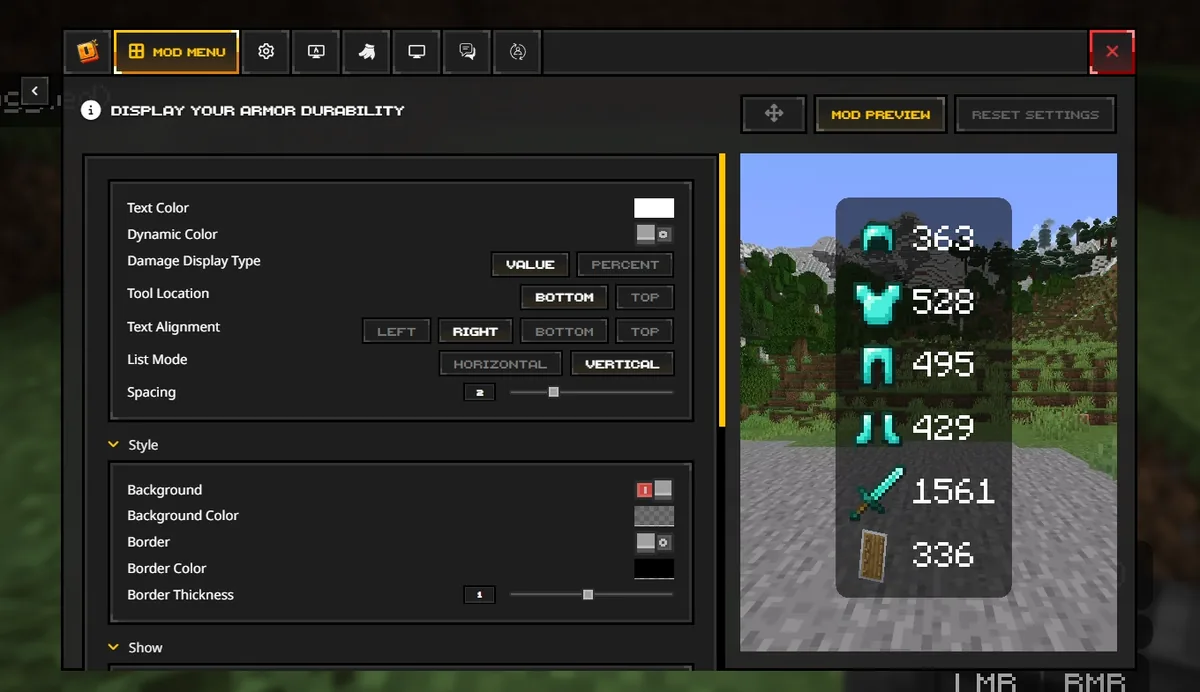
Add mods to a Mac profile carefully
A mod must match the Minecraft version, Fabric Loader version, and dependencies used by the profile. macOS Finder can hide Library folders, and launchers may keep profile data in their own instance directories. Use the profile's open-folder control when available instead of assuming one global mods folder.
Add mods incrementally and keep a backup. A profile ZIP from another person can overwrite keybinds, servers, accounts, or configuration and may include files you did not intend to run. Download each mod from its recognized project page and inspect the required versions.
- Do not install Windows EXE files on macOS.
- Do not rename a JAR into an app package.
- Do not assume Fabric and OptiFine builds are compatible across Minecraft versions.
How to download Feather Client on Mac without guessing
The safest answer to how to download Feather Client on Mac depends on two facts you can check: the processor architecture and the download option currently shown by Dawn. About This Mac identifies Apple Silicon or Intel. Dawn's live selector identifies the build it currently publishes. Both facts should agree before you install the application.
The Feather Client name remains common in Mac search results, while the current first-party application is Dawn. This Feather Client on Mac guide keeps the historical search name visible so users can recognize the migration without mistaking an unofficial Feather file for the supported Mac download.
After installation, keep the app in the normal Applications location and launch it from there. Running an app repeatedly from a mounted disk image or temporary Downloads location can create confusing permission and update behavior. Sign in, create one clean profile, close the launcher normally, and confirm that it can reopen the same profile after a Mac restart.
When Minecraft opens but performance is poor, check the profile's resolution, memory, resource packs, shaders, and mod stack before assuming the Mac build is wrong. When the app does not open at all, capture the exact macOS message and compare it with the current architecture requirement. Do not use a universal 'Mac fix' script that removes protections or modifies unrelated applications.
Finish the Mac setup by reopening the installed client after a restart and confirming the same profile still launches. Treat the client as installed only when it opens from Applications without the downloaded package. The client should then use the same account and profile without asking you to repeat installation. That final check separates a completed installation from a one-time run inside a temporary location.
- Match Apple Silicon hardware to the currently listed Apple Silicon download.
- Move the installed app to its intended Applications location.
- Use Privacy & Security controls for a verified app, not a global Gatekeeper bypass.
- Test one unmodified Minecraft profile before restoring mods and settings.
Feather Client Mac FAQ
Answers for chip support, security prompts, and profiles.
Can I download Feather Client on Mac?
Yes, the current official Dawn download area lists macOS Apple Silicon. Feather directs users to Dawn.
Does Dawn support Intel Macs?
An Intel-specific option was not visible on the official page during this check. Verify current support with Dawn rather than using an unverified build.
Why does macOS say the app was downloaded from the internet?
That is a normal macOS provenance prompt. Confirm the file came from dawn.gg and review it through normal Privacy & Security controls.
Do I need Java on my Mac?
Use the launcher's default runtime for the first test. Only configure custom Java when a documented profile requirement calls for it.
Where is the mods folder on Mac?
Use the current profile's open-folder control when possible because launcher instances may not share one global mods directory.