
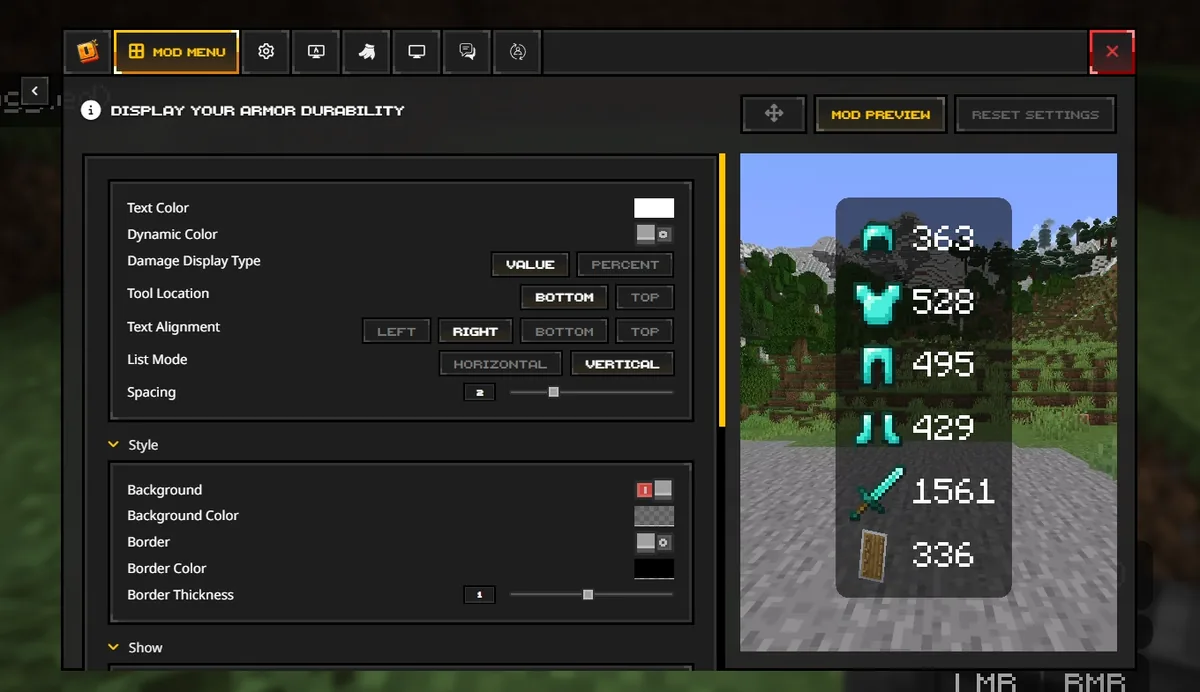
Feather Client versions compatibility explained
The current Dawn page displayed 0.2.0.338 as the launcher/client version during this check. Minecraft numbers such as 1.8.9, 1.20.1, or 1.21.x describe game releases selected for profiles. Fabric Loader and each installed mod have their own releases again.
A successful setup requires a compatible chain: current launcher, offered Minecraft profile, loader built for that game version, required API and libraries, and mods built for the same environment. One mismatch can stop launch even when every file is individually legitimate.
Version layers in one profile
Use this order when checking compatibility.
| Layer | Example | Question to answer |
|---|---|---|
| Launcher/client | Dawn 0.2.0.338 | Is this the current first-party application? |
| Minecraft game | 1.8.9 or 1.20.1 | Does the launcher offer this profile? |
| Loader | Fabric Loader build | Was it made for this Minecraft release? |
| Dependency | Fabric API / MaLiLib | Does the mod require this exact compatible library? |
| Mod | Litematica / performance mod | Does its metadata match every layer above? |
How to check whether a Minecraft version is supported
Open the current launcher and inspect the versions offered when creating a profile. That live list is more reliable than an old blog post or a filename in a mirror. If a version is absent, do not download an executable that merely includes the number in its name.
Support can mean different things: the game may launch, built-in modules may work, Fabric may be available, or a specific third-party mod may support the release. Define the feature you need before calling a version compatible.
- Confirm the game version appears in the launcher.
- Launch a clean profile once.
- Check built-in module availability separately.
- Read each third-party mod's version metadata.
Feather Client 1.8.9
Minecraft 1.8.9 remains popular for legacy PvP mechanics and servers, which is why 'how do I download Feather Client 1.8.9' appears often. Treat 1.8.9 as the desired profile, not as an old standalone Feather installer.
If the current Dawn launcher offers a 1.8.9 profile, create it there and test it cleanly. Mods compiled for modern Minecraft and Fabric APIs generally cannot be copied into a 1.8.9 environment. Use only mods and loaders that explicitly name that version and comply with server rules.
Minecraft 1.20.1 and OptiFine or Fabric
For a 1.20.1 profile, choose the loader strategy before downloading mods. A Forge OptiFine setup and a Fabric performance-mod setup are different environments. Files with the same Minecraft number can still be incompatible because the loader differs.
Many Fabric users choose Fabric-native performance mods rather than forcing OptiFine through an unsupported bridge. Verify current recommendations from the mod projects themselves. Back up the profile before switching renderers, shader loaders, or large optimization stacks.
How to read 1.21.10, 1.21.11, or 26.2 searches
Search suggestions and user posts can contain future, snapshot, shorthand, mod, or launcher numbers that are easy to misread. Do not assume a number is an official stable Minecraft release just because it appears in a keyword tool. Confirm the exact game version in Minecraft's official release information and in the current launcher's profile list.
The number 26.2 may refer to a release naming scheme, a date-based label, a mod build, or community shorthand rather than the Minecraft game version. Ask which product the number belongs to, then verify it at that product's first-party source. This guide will not manufacture a matching download link from an ambiguous number.
Feather Client versions compatibility record
A small compatibility record prevents Feather Client versions from being mixed together after an update. For each working profile, note the Dawn application version visible when you checked, Minecraft version, loader and loader build, required shared libraries, mod versions, and the date of the last successful launch. This is more reliable than naming a folder 'latest' because each layer can update independently.
Before updating, duplicate or back up the profile and change one layer at a time. Update the launcher first only when the publisher requires it. Update the Minecraft game version only when the loader and essential mods support that release. Update shared dependencies before the mods that require them, and remove superseded copies so the profile does not load two versions.
After each change, launch to the title screen and open a disposable test world before using an important save or multiplayer server. If the profile fails, compare the current record with the last working record. The difference narrows the cause without requiring an old launcher download.
Use the Feather Client versions compatibility record as a change log, not just a one-time checklist. Compare client versions before and after a required Dawn update, then compare Minecraft and loader versions independently. When another player shares a working setup, ask for the complete Feather Client versions record rather than only the game number.
Profile names should describe stable facts such as Minecraft version, loader, and purpose. Names such as latest, new, or fixed quickly become ambiguous. A descriptive name plus the versions record helps you choose the correct instance and prevents a mod intended for one profile from being copied into another.
- Launcher/client version and check date.
- Minecraft profile version and profile directory.
- Loader, API, and shared dependency versions.
- Individual mod versions and source pages.
- Last successful clean and modded launch dates.
Feather Client version FAQ
Answers for legacy, current, and ambiguous version searches.
What version is Feather Client?
The active successor Dawn displayed application version 0.2.0.338 during the August 1, 2026 check. Minecraft profiles have separate version numbers.
Does Feather support Minecraft 1.8.9?
Check the current Dawn profile list. If offered, create a clean 1.8.9 profile there instead of downloading an old launcher by filename.
Can I use Feather with Minecraft 1.20.1?
Profile support and mod compatibility are separate. Verify the launcher profile, loader, dependencies, and each mod for 1.20.1.
Does Feather have the most up-to-date Minecraft version?
Profile availability can lag or change. Confirm the live launcher list rather than assuming every new Minecraft release is immediately supported.
What does Feather standalone 26.2 mean?
The number is ambiguous without a first-party product context. Do not treat it as a verified Minecraft or launcher version until the source identifies it.